Integrating Spa Numbers into Your Creative Production Workflow
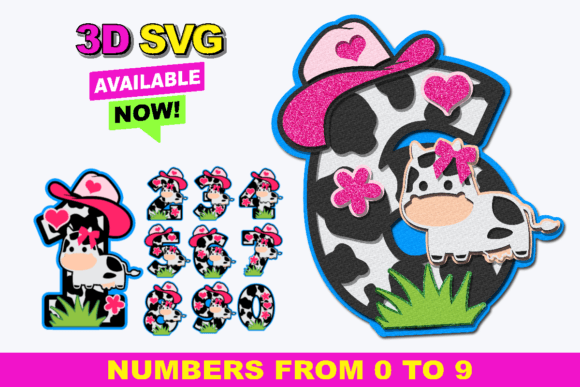
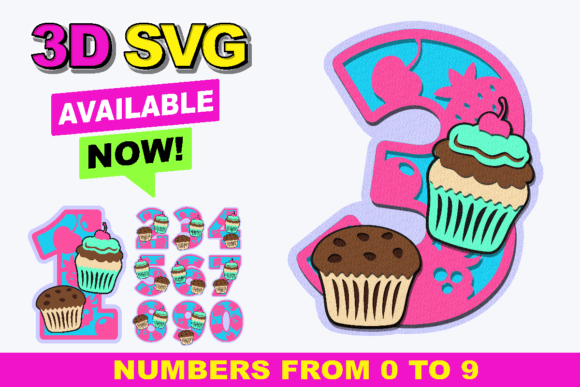
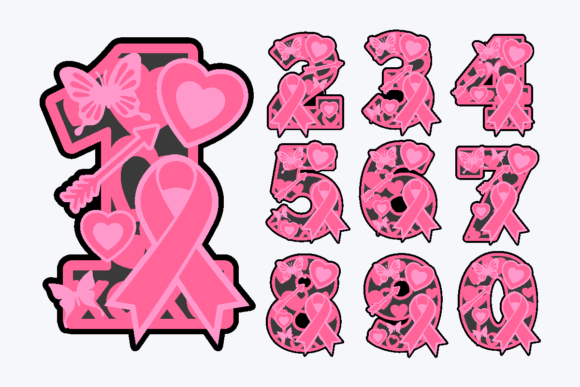
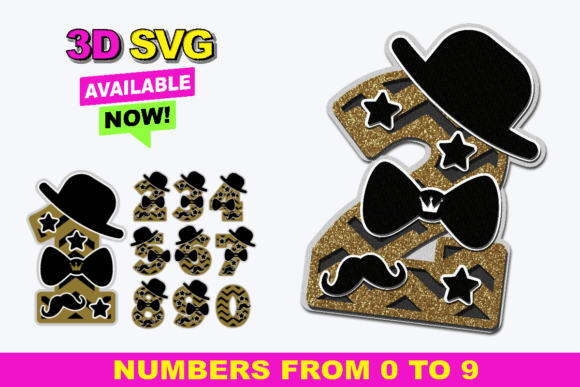
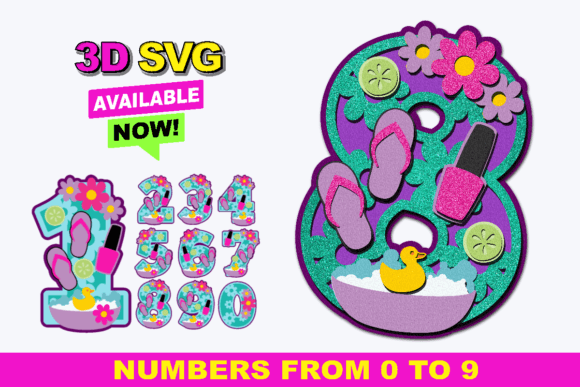
In the landscape of modern digital crafting and small business production, efficiency is not just a buzzword; it is the difference between a profitable venture and a hobby that consumes more time than it yields. For creators operating within the Cricut Design Space or Silhouette Studio ecosystems, the selection of assets determines the velocity of the entire project lifecycle. Spa Numbers represent a specific category of 3D layered SVG assets designed to streamline the creation of numerical elements for diverse applications. Unlike standard flat vectors, these files are engineered with a multi-layered architecture that facilitates depth and dimension without requiring complex manual layering by the user. Understanding how to integrate this specific asset pack—containing numbers 0 through 9 in a zipped folder with three distinct layers per digit—into your broader workflow can significantly reduce preparation time and enhance the quality of final deliverables.
The Strategic Value of Pre-Layered Assets
When approaching a project that requires numerical signage, birthday decorations, or branded merchandise, the initial phase often involves asset acquisition and preparation. Traditionally, a creator might source a single-line font, import it into their design software, and then manually duplicate and offset paths to create a shadow or 3D effect. This process introduces variables for error, such as misaligned nodes or inconsistent spacing, and consumes valuable billable hours. The Spa Numbers collection eliminates this preparatory bottleneck. By providing files that are already separated into three usable layers, the asset allows the operator to move immediately from import to material assignment.
This pre-processing is critical for professionals managing tight deadlines. Whether you are a freelancer fulfilling a custom order for a client's event or a small business owner stocking inventory for an upcoming holiday season, the ability to bypass the manual layering stage means you can focus on material selection and machine calibration. The consistency offered by pre-layered files ensures that every "5" or "8" cut from the batch maintains identical dimensions and layer offsets, a factor essential for quality control in bulk production runs.
Software Compatibility and File Management
Successful implementation begins with proper file management and software compatibility. The Spa Numbers download is delivered as a zipped folder, a standard compression format that keeps the individual SVG files organized and reduces download size. Upon extraction, users will find ten distinct number files (0-9), each containing the necessary data for three-dimensional rendering.
For users of Silhouette Studio or Cricut Design Space, the workflow is straightforward. These platforms natively support SVG formats, allowing the layered structure to remain intact upon import. When opening these files, it is crucial to verify that the software recognizes the separate layers rather than flattening them into a single image. In most cases, the layers will appear as grouped elements that can be ungrouped to assign different materials or colors. If you are utilizing alternative cutting machines or vector software, verifying compatibility before purchase is a prudent step. Ensure your specific hardware and software combination can interpret multi-layer SVGs; otherwise, the 3D effect intended by the design will be lost, reverting the asset to a simple flat shape.
Optimizing the Cutting Process
Once the files are imported and verified, the focus shifts to the physical execution phase. The three-layer structure of the Spa Numbers is designed to accommodate various material thicknesses and adhesive strategies. A common workflow involves cutting the base layer from a sturdy material like cardstock or acrylic, while the subsequent layers might be cut from contrasting colors or textured papers to create visual depth.
Efficiency in this stage relies on material mapping. Instead of loading a new mat for every single layer of every number, experienced operators arrange the layers from multiple digits onto a single cutting mat if the material and color match. For instance, if producing a set of table numbers where the shadow layer is consistently black, all shadow layers for numbers 0 through 9 can be nested on one mat. This optimization reduces material waste and minimizes the frequency of mat changes, directly impacting the throughput of the project.
Furthermore, the layered nature of these files offers flexibility in assembly. Depending on the end use, the layers can be adhered directly together for a flush 3D look, or spaced apart using foam adhesive squares to create a floating effect. This decision is typically made during the planning phase based on the viewing distance of the final product. For cake toppers, where stability is paramount, direct adhesion or minimal spacing is preferred. For wall decor or large event signage, increased spacing adds a more dramatic shadow cast.
Diverse Application Scenarios
The versatility of the Spa Numbers collection extends across numerous industries and personal projects. Their utility is defined not by the file itself, but by the context in which it is deployed. Below are several practical applications where these assets fit seamlessly into existing workflows:
- Event Planning and Decor: For wedding planners and party coordinators, table numbers and date signs are recurring requirements. Using 3D layered numbers adds a premium feel to centerpieces without the cost of custom fabrication. The consistency of the font ensures that a table "12" matches the aesthetic of table "4," maintaining brand cohesion for the event.
- Apparel and Merchandise: When printing shirts for sports teams, family reunions, or corporate events, these SVGs can be used to create heat transfer vinyl (HTV) designs. The layers allow for multi-color jerseys or uniforms where the number has a primary color and a contrasting outline or shadow, enhancing visibility and style.
- Educational Tools: Educators and parents creating learning materials can utilize these numbers for tactile counting aids. By cutting the layers from different textures or colors, children can engage with the numbers physically, aiding in cognitive development and number recognition.
- Small Business Branding: Retailers creating price tags, shelf markers, or promotional signage can use these files to maintain a professional appearance. The 3D effect draws the eye more effectively than flat text, potentially increasing engagement with displayed pricing or information.
- Personalized Gifting: Hobbyists making custom gifts, such as age-specific birthday banners or anniversary milestones, benefit from the ease of use. The ability to quickly scale and cut specific ages allows for rapid prototyping and last-minute gift creation.
Quality Control and Long-Term Usability
Integrating any new asset into a professional library requires a mindset focused on long-term usability and organization. After the initial download, it is advisable to store the Spa Numbers zipped folder in a dedicated directory within your digital asset management system. Tagging the folder with keywords such as "3D," "Numbers," "SVG," and "Layered" ensures quick retrieval for future projects.
Quality control should occur at two stages: digital proofing and physical testing. Before committing to a large production run, cut a single sample number, such as "1" or "0," to test the alignment of the three layers. Check for any potential weeding issues, especially if using intricate fonts or small sizes. If the layers are too close together, fine details might be lost during the weeding process of vinyl. Adjusting the scale or the spacing between layers in the software before cutting can mitigate these risks.
Additionally, consider the durability requirements of the project. For outdoor use or items subject to frequent handling, the choice of material becomes as important as the file structure. While the Spa Numbers provide the geometry, the creator must select substrates that withstand environmental factors. Acrylic or coated cardstock may be necessary for longevity, whereas standard paper suffices for single-use event decor.
Conclusion
The adoption of specialized assets like Spa Numbers is a strategic move for anyone involved in digital cutting and design. By leveraging pre-layered 3D SVG files, creators can shift their focus from tedious preparation to high-value tasks such as design customization, material experimentation, and business growth. Whether utilized in Silhouette Studio, Cricut Design Space, or other compatible platforms, these tools offer a reliable foundation for producing professional-grade numerical displays. The key to success lies in understanding the file structure, optimizing the cutting workflow, and applying the assets to contexts where their dimensional qualities add tangible value. As the demand for personalized and high-quality handmade goods continues to rise, having a streamlined process for integrating such resources will remain a competitive advantage for entrepreneurs and hobbyists alike.